

 You’re here

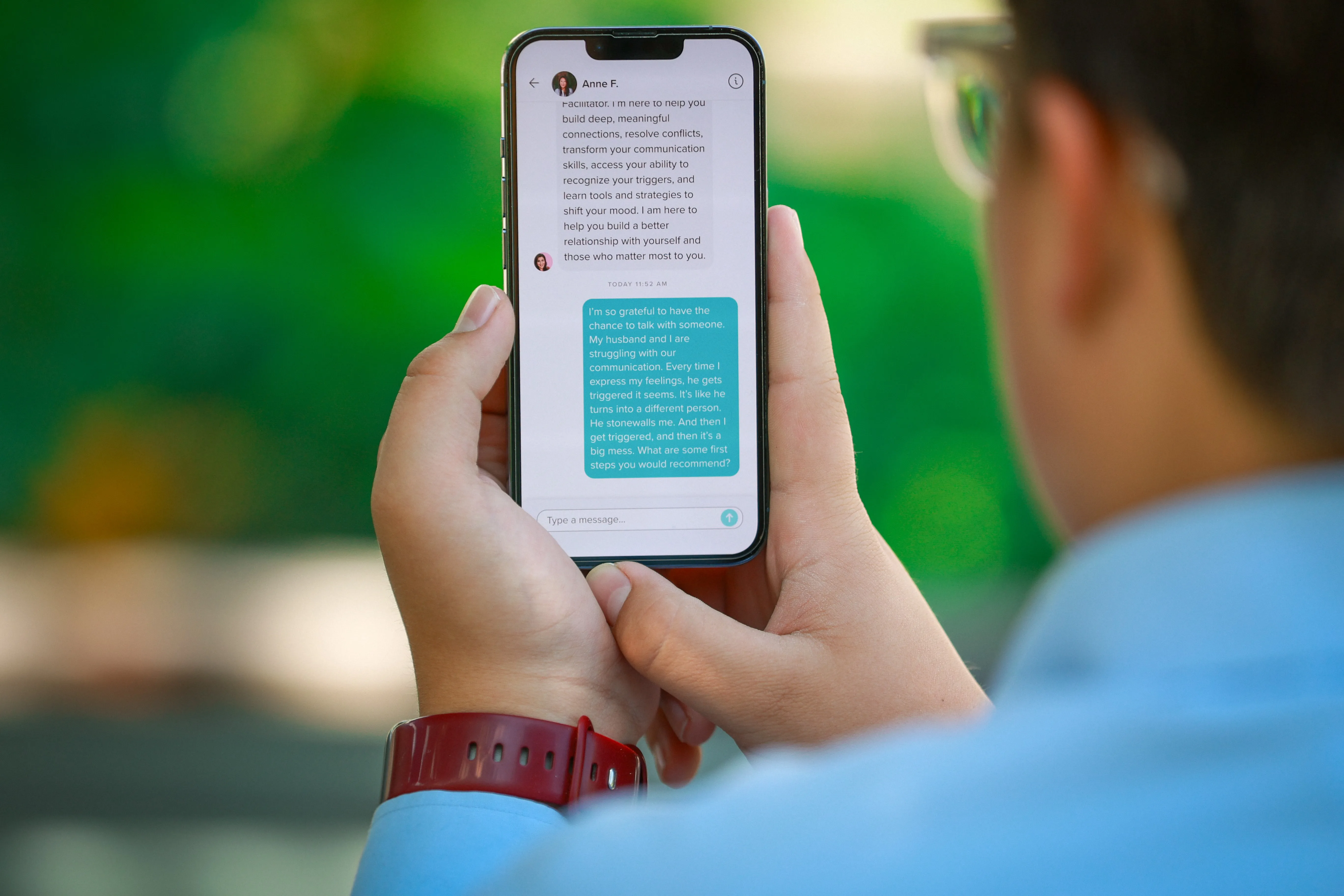



In an emergency, seconds count. E3 is built to account for everyone.
Emergency Response is an add-on through our partner Emergent 3. Their E3 app runs the physical response, from the alert to check-in to a live map, and connects to the same Impact Suite platform your staff already use.
- Add-on through Emergent 3
- First-responder alerts in under six seconds
- Smart maps
- Alyssa’s Law-compliant panic alerts
What E3 does
One tap to alert. Two taps to check in.
E3 is designed to account for everyone in about 90 seconds when the alarm sounds. It’s made and run by Emergent 3, a separate company, and Impact Suite brings it to your district.
- Alert Start an alert and reach your whole campus in seconds.
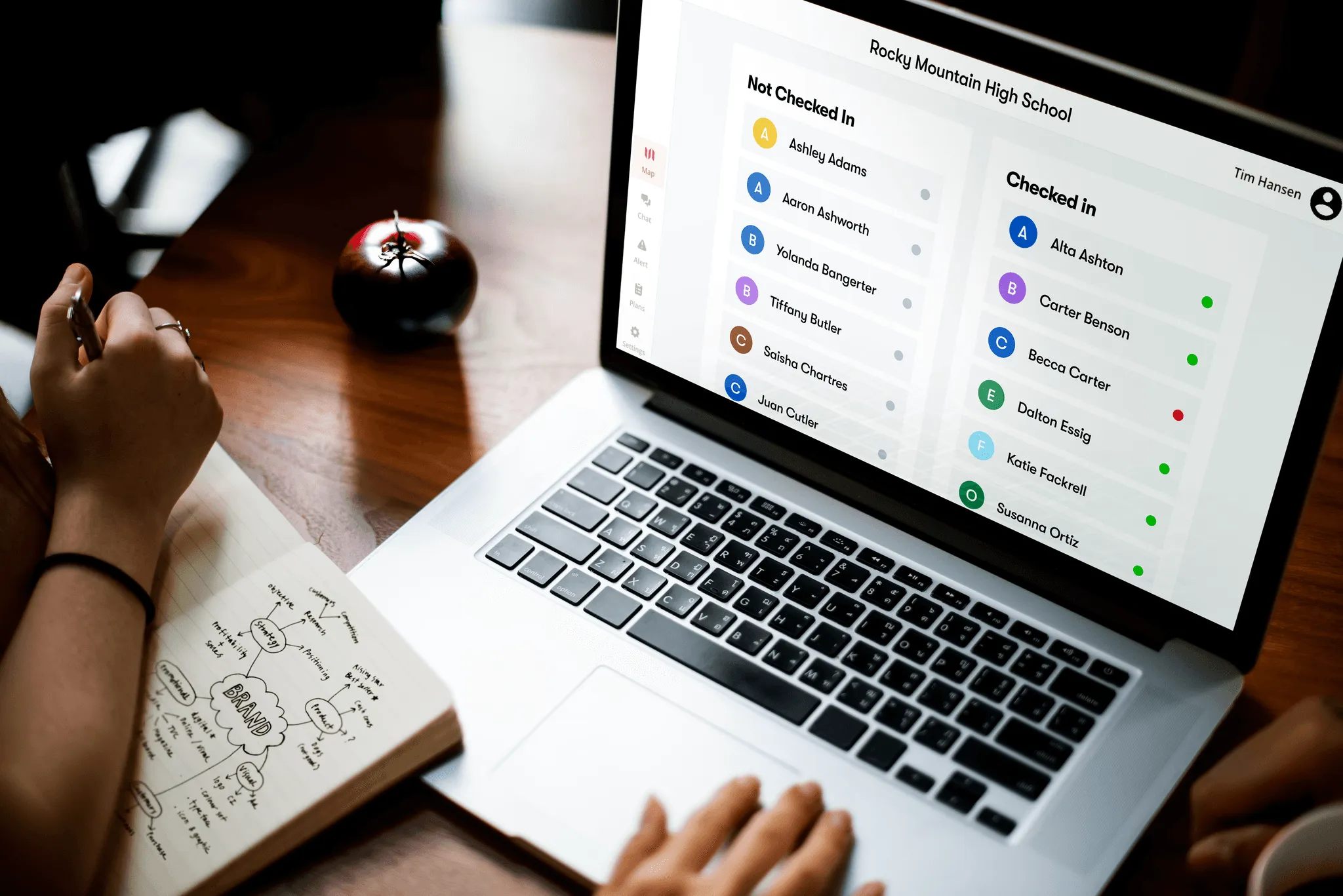
- Check in Staff confirm they’re safe, so leaders see who’s OK and who needs help.
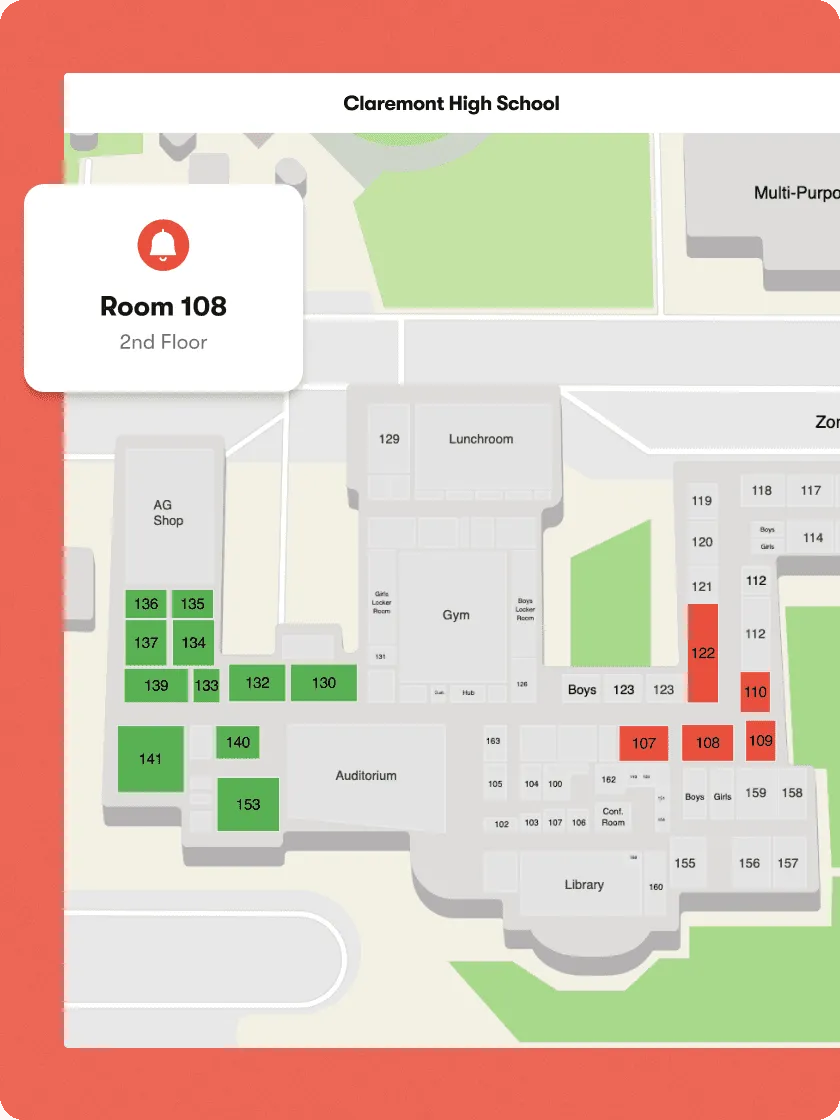
- Smart map A live map shows where things are happening and who’s responding.
- Chat One place for updates during an event, before rumors spread.
- Report After-action reports are created automatically after every drill or event.
For first responders
Help on the way, faster.
E3 sends first-responder alerts in under six seconds, connects its smart maps to first responders, and provides Alyssa’s Law-compliant panic alerts.
Before it happens
Ready means installed, and practiced.
E3 only works if staff already have it. Everyone can download it for iPhone, Android, Mac or Windows from Impact Suite’s Emergency Response page, and checks in during every drill exactly as they would in a real event. E3 has its own sign-in, separate from Impact Suite. Maps and floor plans for every campus are kept in Impact Suite, ready to open or download in seconds.
For administrators
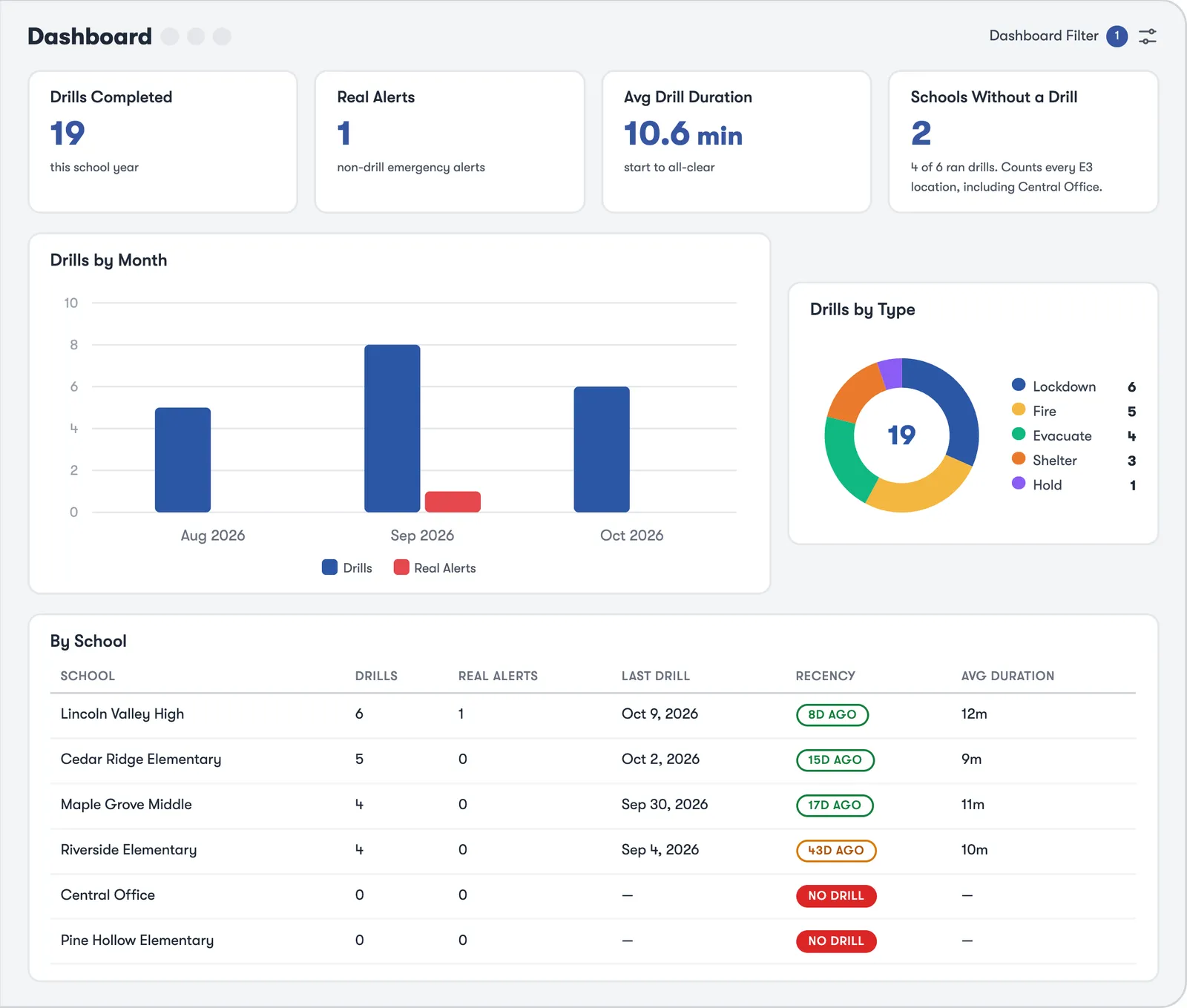
Drill compliance, school by school.
Connect your district’s E3 account once, and drills and real alerts appear on the Emergency Dashboard in Impact Suite: drills completed, real alerts, average time from start to all-clear, drills by month and type, and which schools haven’t drilled recently. Download a summary PDF for a meeting. The dashboard refreshes about every 15 minutes; during an emergency itself, staff work in the E3 app.
Add-ons
Smarter when it’s all connected.
Emergency Response shares one student record with every other part of Impact Suite, so what one team learns, the next team sees.
See Emergency Response in action.
We’ll walk your team through it live. Priced per student, with no per-user fees. Available through SHI.

Hey, I’m here for you. Ask me anything about Impact Suite: what it does, how a feature works, or how districts get started.
Chats are saved for 90 days to improve answers. AI answers can be wrong. Please don’t share student information here.