

 You’re here

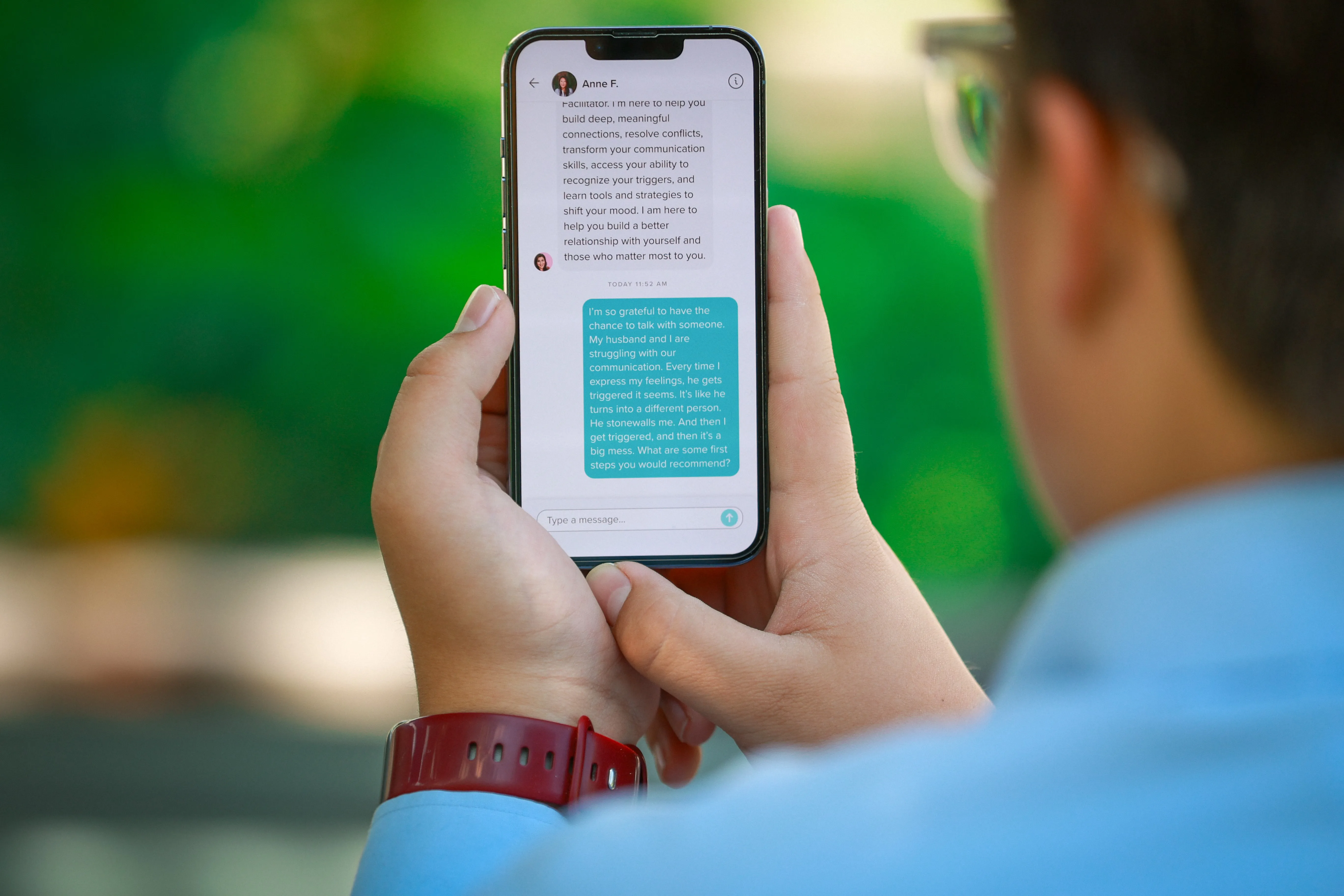



Chronic absence shows up early. See it before grades slip.
Impact Suite brings in every absence and tardy from your student information system, texts families the same morning, drafts the letters your state requires, and hands students who are missing too much school to the right staff.
- SIS attendance
- Automatic absence texts
- Compulsory education letters
- Seat time
Today and this year
Who’s in the building, and who’s missing the most.
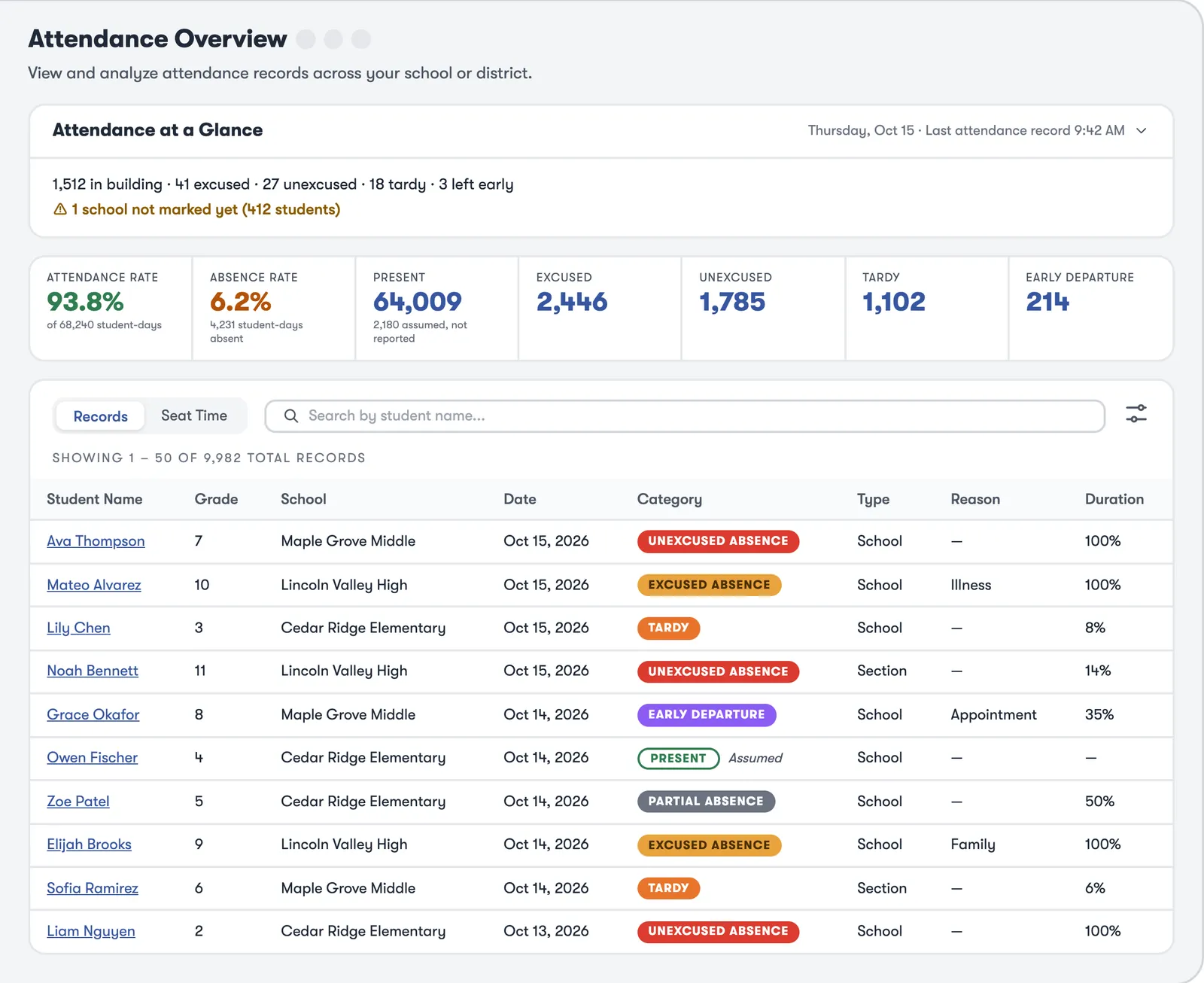
Attendance Overview shows today’s numbers for a school or the whole district, flags any school that hasn’t taken attendance yet, and totals the school year so far. Seat Time adds up every class period each student missed and turns it into hours with each school’s bell schedule. It’s the quickest way to find students who are slipping a period at a time.
Auto Outreach
The first text goes out for you.
Calling every family about every absence takes hours. Auto Outreach sends the first text in the family’s language and sorts the replies, so attendance staff start the morning with what needs a call.
- 1
An absence comes in
An unexcused or partial absence arrives from your SIS.
- 2
A text goes out
Thirty minutes later, by default, to the first parent or guardian who can get texts.
- 3
The family replies
Impact Suite reads the reply, records the reason and classifies the absence.
- 4
A reminder if needed
No reply halfway through the response window? One follow-up text goes out.
- 5
Staff follow up
Read replies, log calls, correct a classification and act on anything flagged.
When a reply is worrying
Safety flags go to the right person.
If a family’s reply suggests a student may be unsafe, such as a parent saying their child is being threatened, the reply is flagged and a follow-up task goes to the person your district chose, usually the student’s counselor. Calls logged by hand aren’t read for safety concerns, so staff follow their usual reporting steps for those.
Letters and interventions
The notices your state requires, drafted every morning.
When a student crosses one of your district’s absence thresholds, Impact Suite drafts the right compulsory education letter at the next morning’s check. An administrator previews it, then sends it by email in each family’s language, prints it for mailing or discards it, and the exact letter that went out is saved with the date. Separate threshold rules can open an MTSS intervention, create a staff task or simply notify, so a counselor picks the student up as absences start to add up.
Add-ons
Smarter when it’s all connected.
Attendance shares one student record with every other part of Impact Suite, so what one team learns, the next team sees.
See Attendance in action.
We’ll walk your team through it live. Priced per student, with no per-user fees. Available through SHI.

Hey, I’m here for you. Ask me anything about Impact Suite: what it does, how a feature works, or how districts get started.
Chats are saved for 90 days to improve answers. AI answers can be wrong. Please don’t share student information here.