

 You’re here

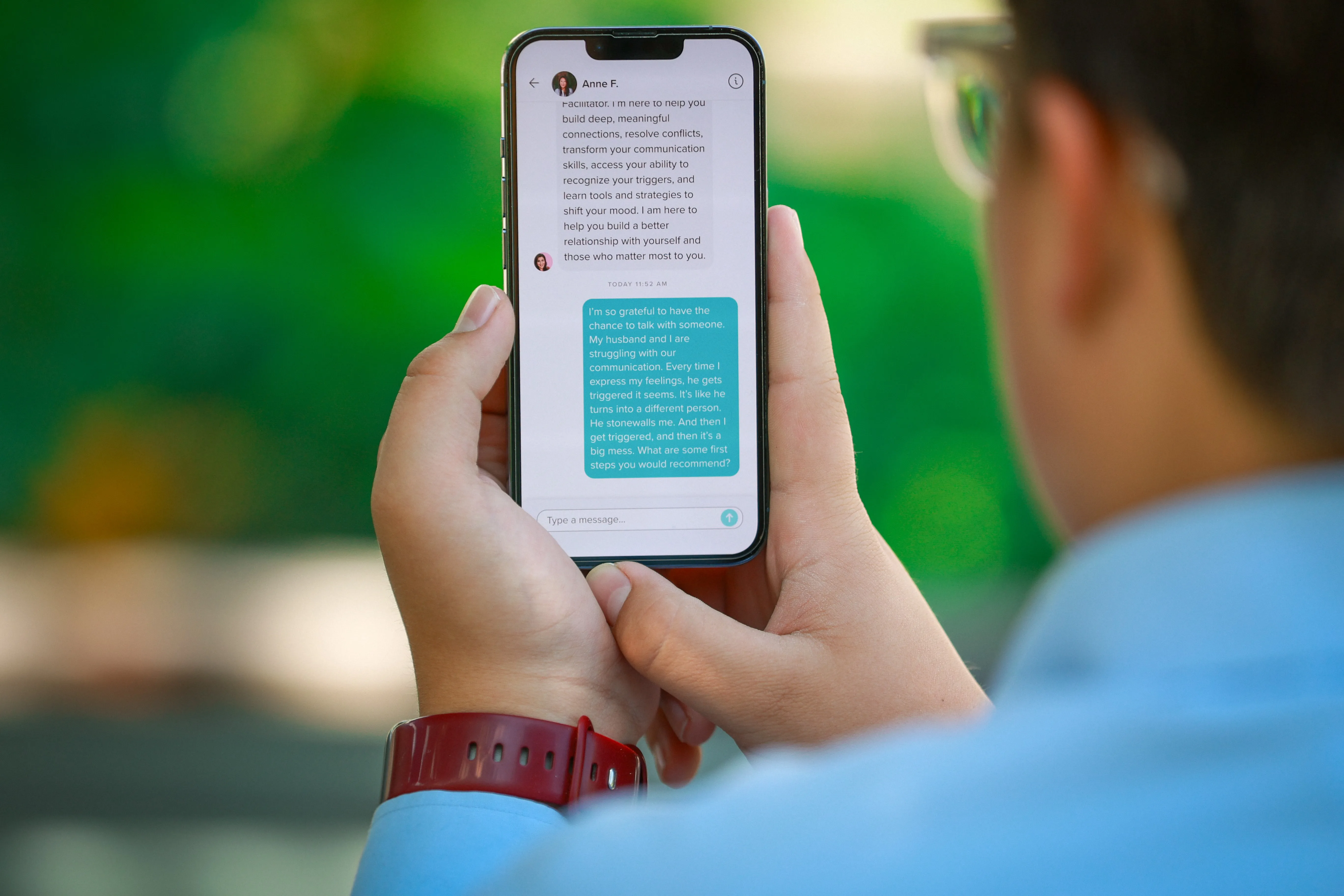


Staff notice small things. Impact Suite puts them side by side.
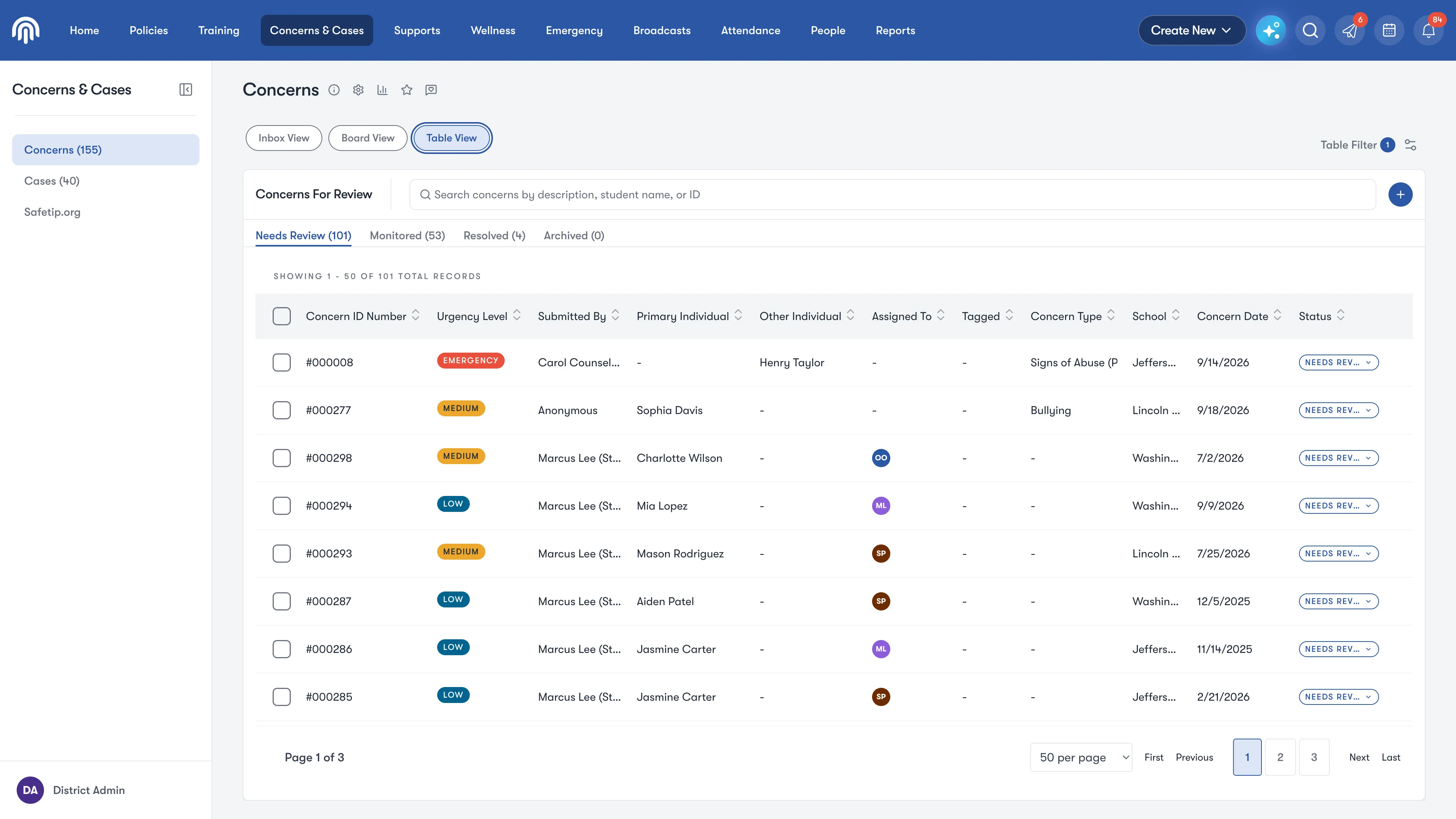
Concerns, discipline incidents and the restraint and seclusion log land on one student record, so the people trained to act can see the pattern, and every step of the response is documented.
- Voice to text
- AI-assisted forms
- Discipline ladders
- Restraint & seclusion log
- Mandatory reporting
Report it
Describe what you saw. The form fills itself in.
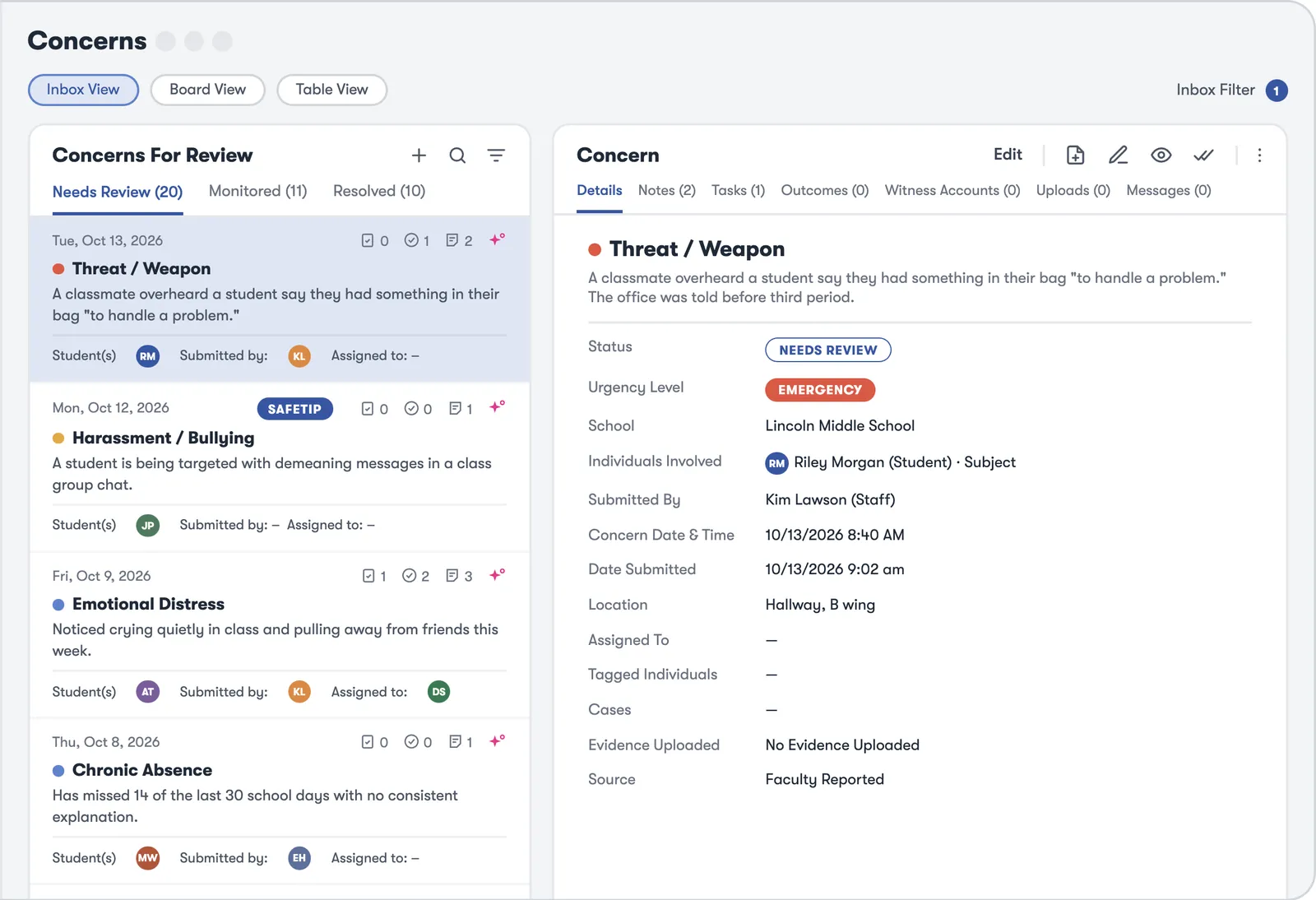
A change in mood, a worrying comment or a hallway fight is often the first warning sign. Click Report a Concern on any page, then type what happened or say it into the microphone, with names, the time and the place. Impact Suite fills in the concern form, including the type, urgency, school, date and time, for you to check before you save. Prefer the form? Skip straight to it.
Work it through
Needs review, monitored, resolved.
Counselors, social workers, SROs and administrators review and assign each concern, keep watch on situations that are still going on, and close the loop. Along the way they add notes, hand out follow-up tasks and log the outcome that actually happened, so the record shows what was done, by whom and when.
- Needs review Read the details, assign it, tag colleagues and set the urgency.
- Monitored Keep watch when a situation is ongoing.
- Resolved Mark it settled, with a resolution note.
Your discipline ladder
Recommended outcomes, set by your district.
Administrators map each concern type to the outcomes it should lead to, from a parent contact on the first incident to a behavior contract when it keeps happening. When a student reaches the count, Impact Suite recommends the outcome, and staff decide. Outcome types come with Civil Rights Data Collection categories already set, and concern types your district marks as mandatory reporting give the reporter a required task that leadership can track.
- Ready-made laddersStart from a template and edit it, district-wide or for one school.
- Your own wordsGive the AI your behavior matrix and response levels, and its outcome suggestions follow your policy instead of general advice.
When it adds up
Patterns reach the people trained to act.
Repeated concerns about the same student, a threat, or a discipline incident involving a weapon can raise a safety alert for the counselors and administrators your district chooses. An Emergency concern texts and emails administrators, counselors, social workers and SROs at the school right away. An alert is a prompt to look closer. It never replaces your judgement or your crisis procedures.
Beyond the incident
From a write-up to a plan.
When a student’s behavior needs a coordinated response short of an IEP or 504, a Behavior Plan sets out the strategies, who carries out each one and when the team reviews them, with the student’s MTSS interventions as its monitored goals. When a concern needs a formal response, it becomes a threat assessment case in one step, and the concern comes with it.
Part of the bundle
See the warning signs. Respond as one team.
Behavior Tracking / PBIS shares one student record with every other part of Impact Suite, so what one team learns, the next team sees.
See Behavior Tracking / PBIS in action.
We’ll walk your team through it live. Priced per student, with no per-user fees. Available through SHI.

Hey, I’m here for you. Ask me anything about Impact Suite: what it does, how a feature works, or how districts get started.
Chats are saved for 90 days to improve answers. AI answers can be wrong. Please don’t share student information here.