

 You’re here



Students often know first. SafeTip lets them tell you.
SafeTip is your district’s anonymous tip line. Students, parents and staff can report a threat, a fight or a friend in crisis from any device, at any hour, and the tip lands with your team in Impact Suite.
- Anonymous
- Any device, any hour
- SMS intake
- Two-way follow-up
How a tip travels
From a student’s phone to your team’s inbox.
Your district gets its own SafeTip link and QR code. Many students won’t say what they know face to face, so the more who know about the link, the sooner a warning reaches you.
- 1
Share it
Put the link in a newsletter, on your website or in a parent email, and the QR code on posters and slides.
- 2
A tip comes in
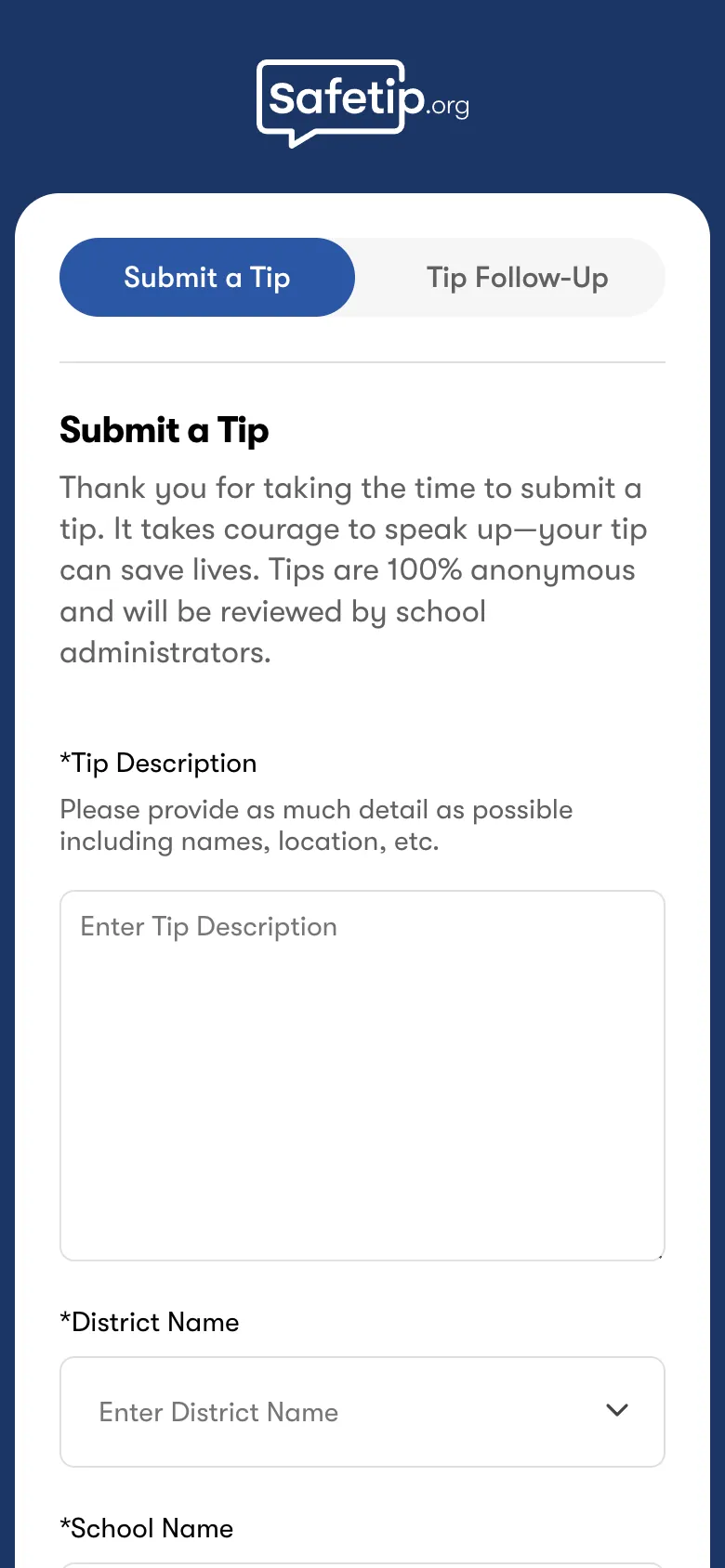
The tipster describes what’s happening and picks the school, a category and an urgency. No name needed.
- 3
Your team works it
Tips land in Concerns with a SafeTip badge. Assign it, add notes, log outcomes or open a case.
- 4
The tipster checks back
After sending, they get a tip code. Entering it on Tip Follow-Up shows your replies, and they can answer.
Two-way, still anonymous
Ask a follow-up question without knowing who sent it.
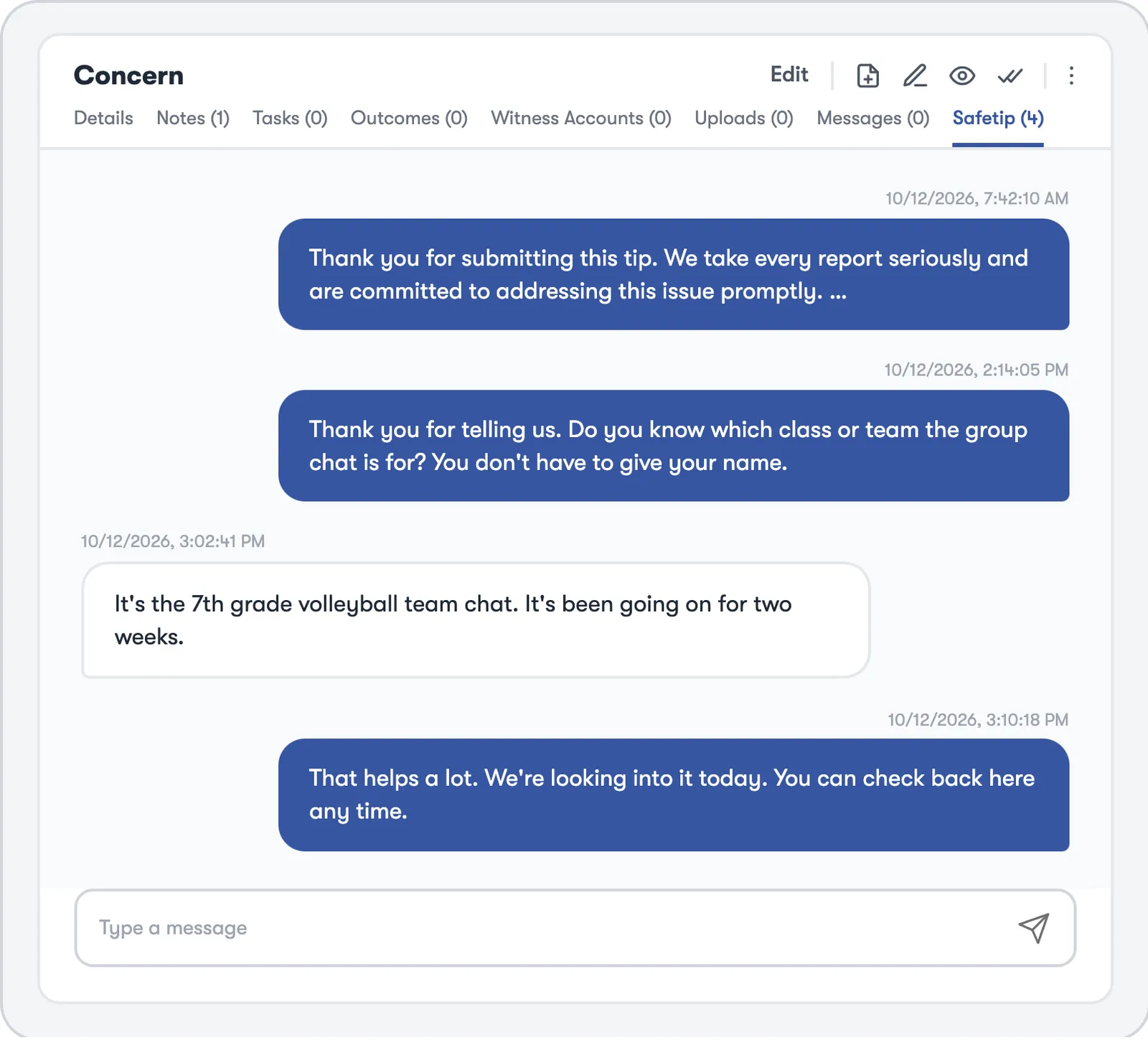
Every tip starts with an automatic thank-you. On the tip’s SafeTip tab, your team can ask a question, and the tipster sees it the next time they enter their tip code. Only the tipster and your staff see that conversation, and staff-only discussion stays on a separate tab. Unless a tipster chooses to add a name, phone or email, there’s no way to tell who sent it.
Around the clock
Urgent tips don’t wait for morning.
Tips reach the same people as any new concern. School administrators are notified, and emergency tips text your safety staff right away, at any hour, including counselors, social workers and SROs. Other tips wait in Needs Review. Teachers never see tips through their class lists, even when a tip mentions one of their students.
On the student record
One more signal, not a separate file.
Because a tip becomes a concern, it sits on the same student record as concerns, discipline, screeners and cases. A tip with threatening language can raise a safety alert for the people your district chooses, and a tip that needs a formal response becomes a case in one step.
Part of the bundle
See the warning signs. Respond as one team.
Anonymous Tip Line shares one student record with every other part of Impact Suite, so what one team learns, the next team sees.
See Anonymous Tip Line in action.
We’ll walk your team through it live. Priced per student, with no per-user fees. Available through SHI.

Hey, I’m here for you. Ask me anything about Impact Suite: what it does, how a feature works, or how districts get started.
Chats are saved for 90 days to improve answers. AI answers can be wrong. Please don’t share student information here.