

 You’re here



Built for students. Help is one tab away.
Your district opens the student portal to the grades and tabs it chooses: tasks, hall passes, policies, trainings, and a Resources tab with crisis lines, SafeTip and a way to report a tip.
- Grades 6–12
- Get Help
- SafeTip
- Mental health app

For students
Everything a student can reach, in one portal.
Help, school tasks and a way to speak up sit side by side, so a student who logs in for a hall pass is one tab away from a crisis line.
-
Get Help
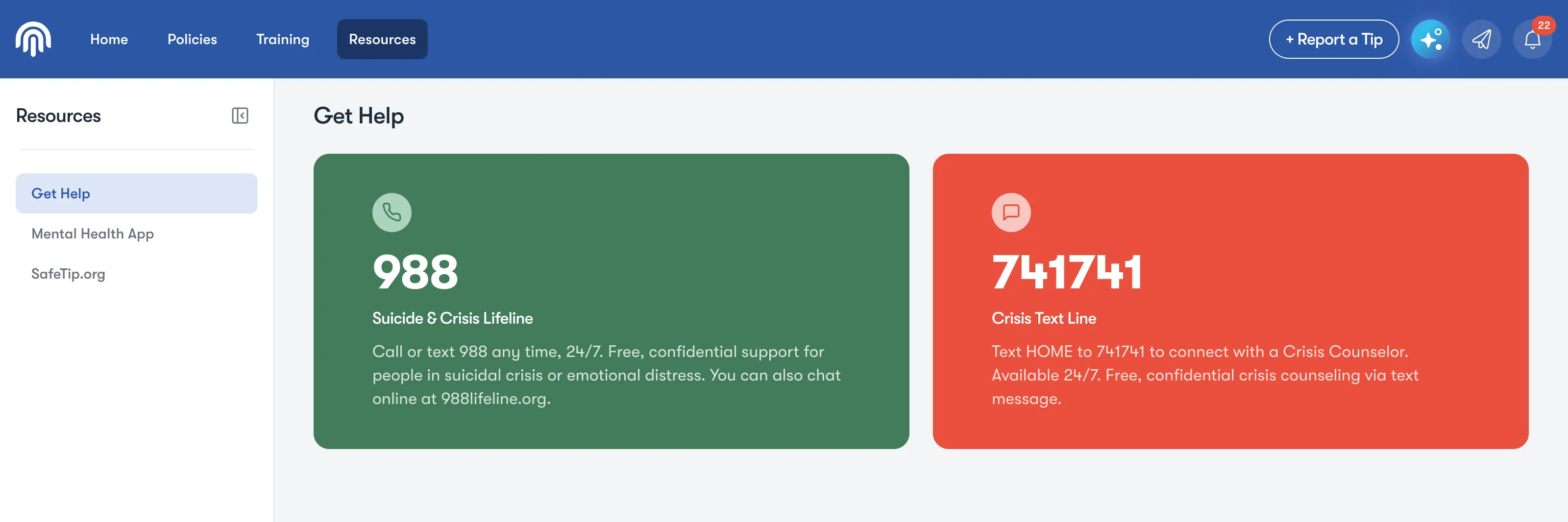
The 988 Suicide & Crisis Lifeline and the Crisis Text Line (text HOME to 741741), plus resources your district adds, like a local crisis line.
-
SafeTip and Report a Tip
Report a threat, a fight or a friend in crisis from any device, at any hour, anonymously if they choose.
Learn more -
Free mental health app
Free premium access with your district’s code: daily check-ins, journaling, goals, AI coaching, teletherapy, journeys and meditations.
Learn more -
Messages to staff
When your district turns it on, students can message their teachers, counselor and school administrators, and those conversations are checked for signs of risk.
Learn more -
Hall passes
Request a hall pass from their own portal, within the pass rules your school sets.
Learn more -
Policies
Read and acknowledge the policies your district shares with students.
Learn more -
Student trainings
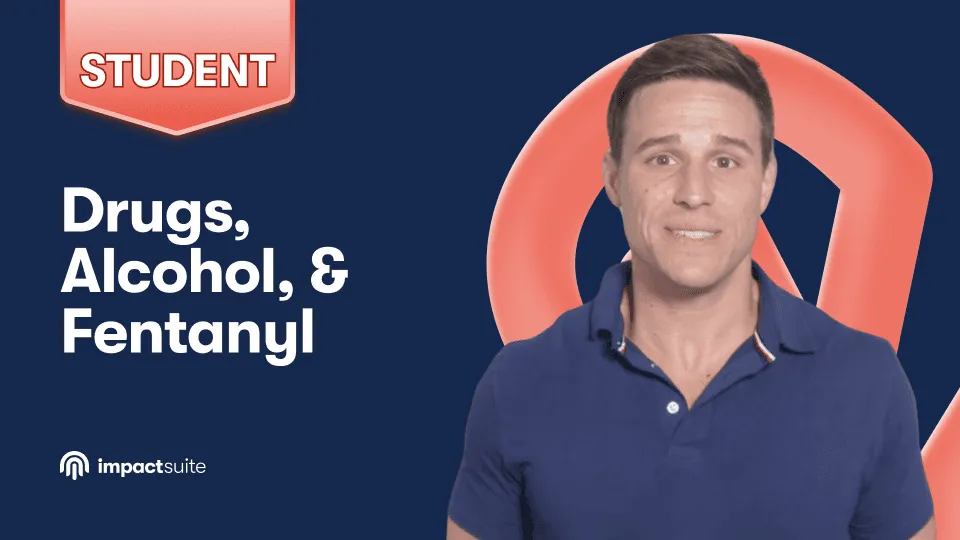
Complete trainings assigned to them, from ten student courses on topics like vaping, sextortion, healthy relationships and suicide prevention.
Learn more -
Only what you turn on
Your district picks the grades, from 6 to 12, and the tabs students see. A hidden tab can’t be opened by link either.
Get help
Crisis lines that don’t get buried.
The Resources tab holds Get Help, with the 988 Suicide & Crisis Lifeline and the Crisis Text Line, plus SafeTip and Report a Tip, so a student worried about themselves or a friend can reach out, anonymously if they choose. Your district can add its own resources, like a local crisis line, and students see them on the same Get Help page.
Mental health app
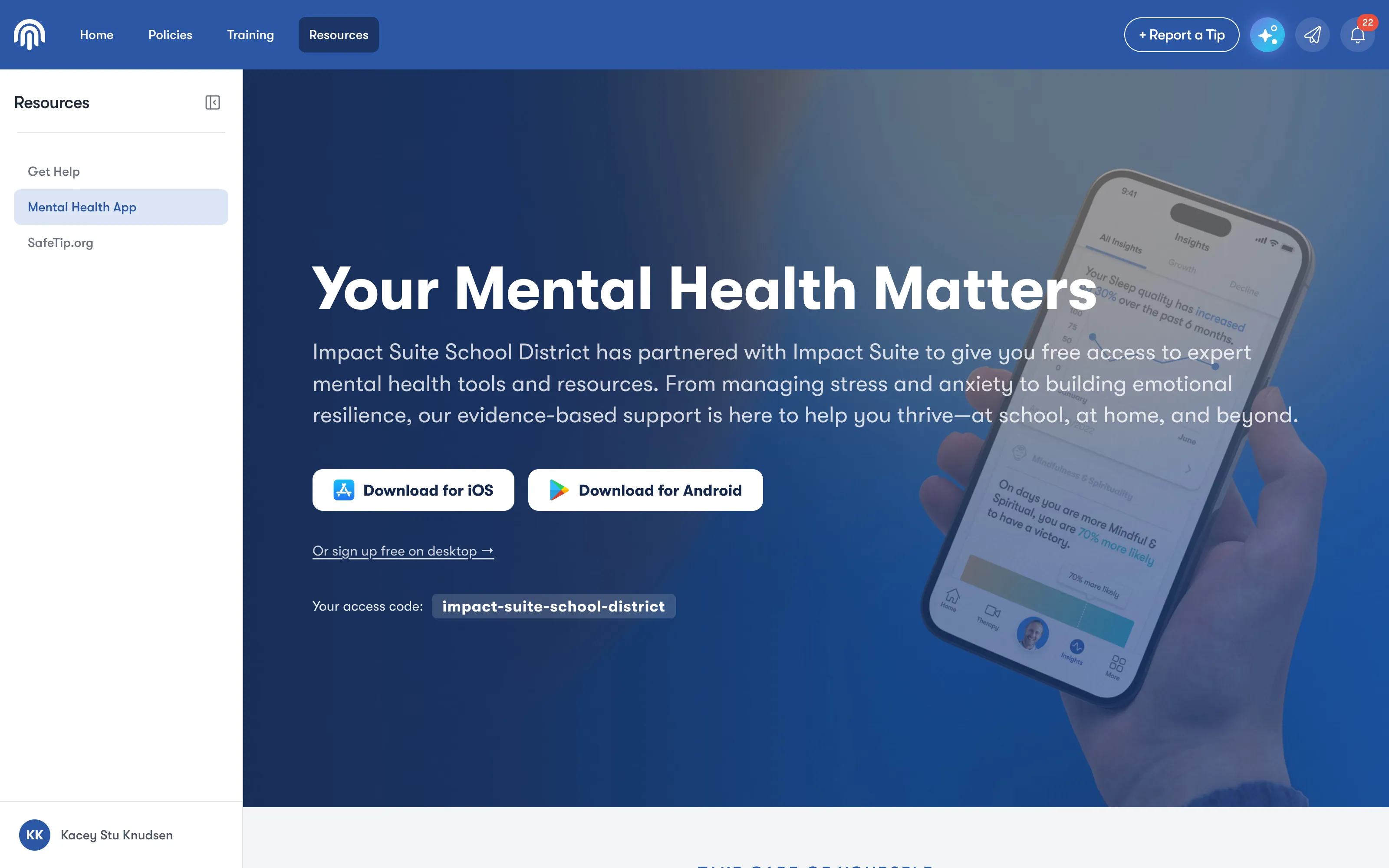
A free mental health app, with your district’s code.
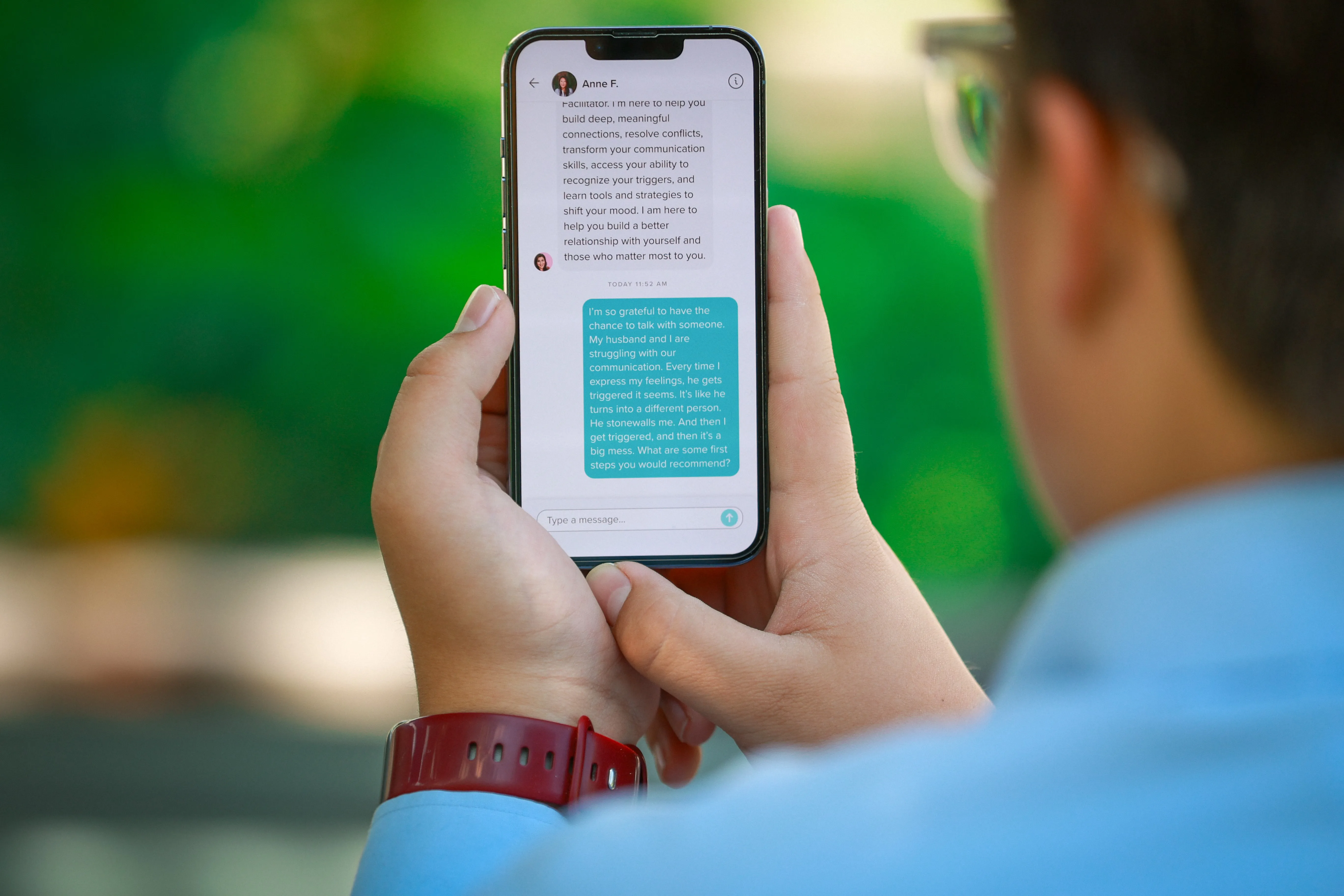
Staff share a link to your district’s landing page, where students find the access code for free premium access to Impact Suite’s mental health app, with daily check-ins, journaling, goals, AI coaching, teletherapy, journeys and meditations. The app works alongside your counseling team, not instead of it.
School tasks
Hall passes, policies and trainings, in one place.
Students can request a hall pass from their own portal, read and acknowledge policies shared with students, and complete trainings assigned to them. When your district turns it on, students can message their teachers, counselor and school administrators, and every conversation that includes a student is checked for signs of risk.
District control
You choose who gets it, and what they see.
Administrators open the student portal for any of grades 6 to 12, choose which tabs students see, and send a welcome email when they’re ready. A hidden tab can’t be opened by link either.
Included with every license
Smarter when it’s all connected.
Student Portal shares one student record with every other part of Impact Suite, so what one team learns, the next team sees.
See Student Portal in action.
We’ll walk your team through it live. Priced per student, with no per-user fees. Available through SHI.
Hey, I’m here for you. Ask me anything about Impact Suite: what it does, how a feature works, or how districts get started.
Chats are saved for 90 days to improve answers. AI answers can be wrong. Please don’t share student information here.